






Calculators:
Fly on the Screen
Add a touch of fun to your browsing experience with our interactive fly animation
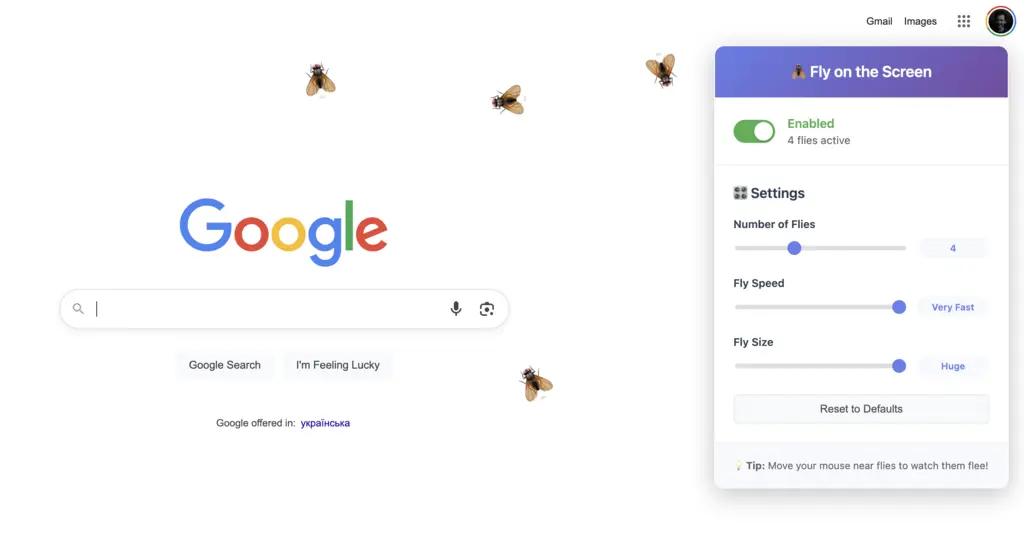
Interactive Animation
Watch as a realistic fly buzzes around your screen, responding to your mouse movements and clicks.
Lightweight & Fast
Optimized performance ensures the extension won't slow down your browsing experience.
Customizable
Adjust settings to control the fly's behavior, speed, and appearance to match your preferences.
About Fly on the Screen
Fly on the Screen is a playful browser extension that brings a touch of humor and interactivity to your daily browsing. Whether you want to prank your colleagues, entertain yourself, or simply add something fun to your web experience, this extension is for you.
Available for both Chrome and Firefox, Fly on the Screen features a realistic fly animation that buzzes around your screen, responding to your mouse movements and clicks. The extension is lightweight, customizable, and designed to be non-intrusive—so it won't slow down your browser or get in the way of your work.
Key Features:
Realistic fly animation with natural movement patterns
Interactive behavior that responds to your actions
Customizable settings for speed, size, and number of flies
Lightweight design that won't impact browser performance
Regular updates with new features and improvements
Interactive behavior that responds to your actions
Customizable settings for speed, size, and number of flies
Lightweight design that won't impact browser performance
Regular updates with new features and improvements
Install Fly on the Screen today and add a playful twist to your browsing experience!
People use Fly on the Screen for:
Prank Your Friends or Colleagues
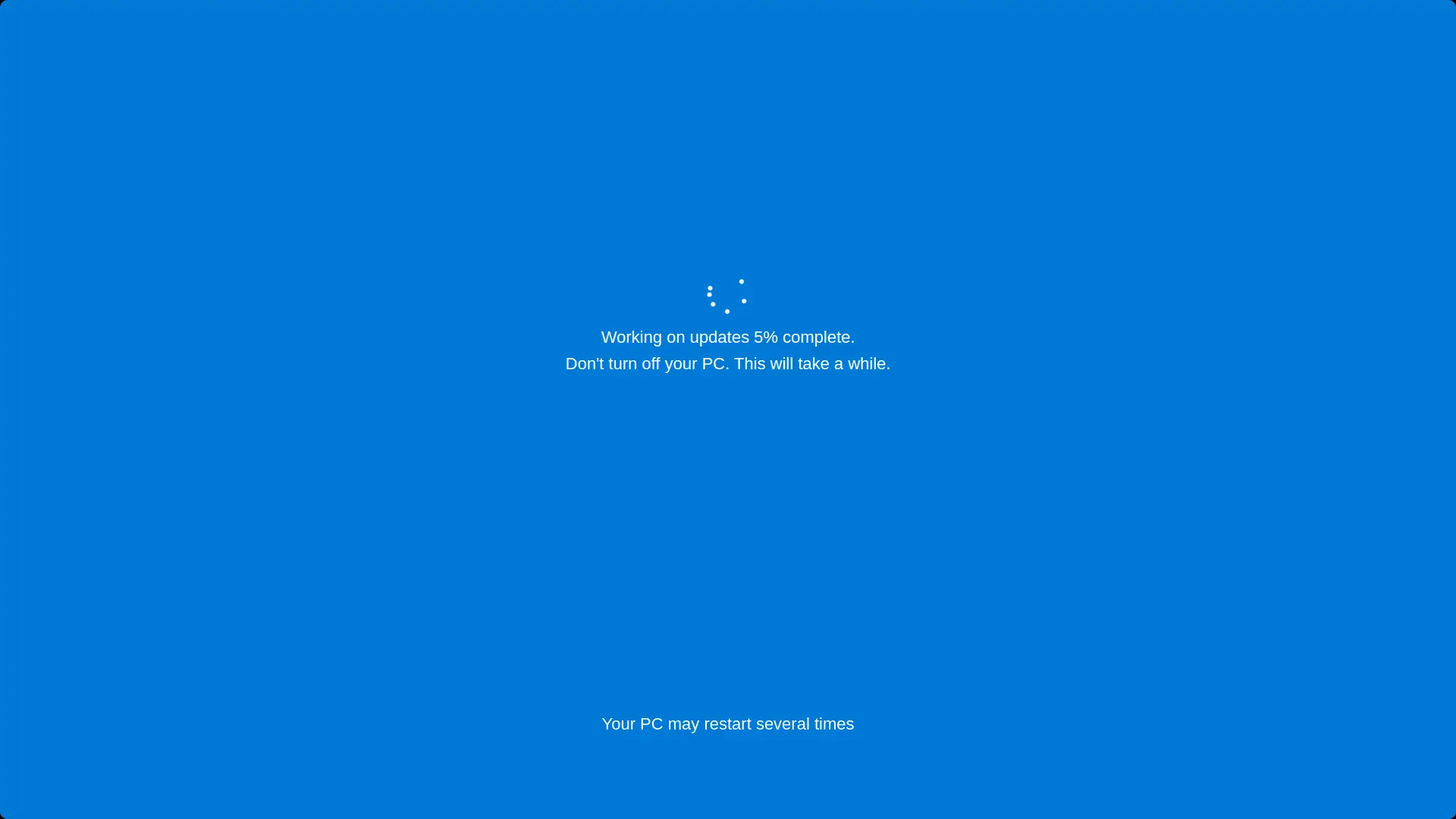
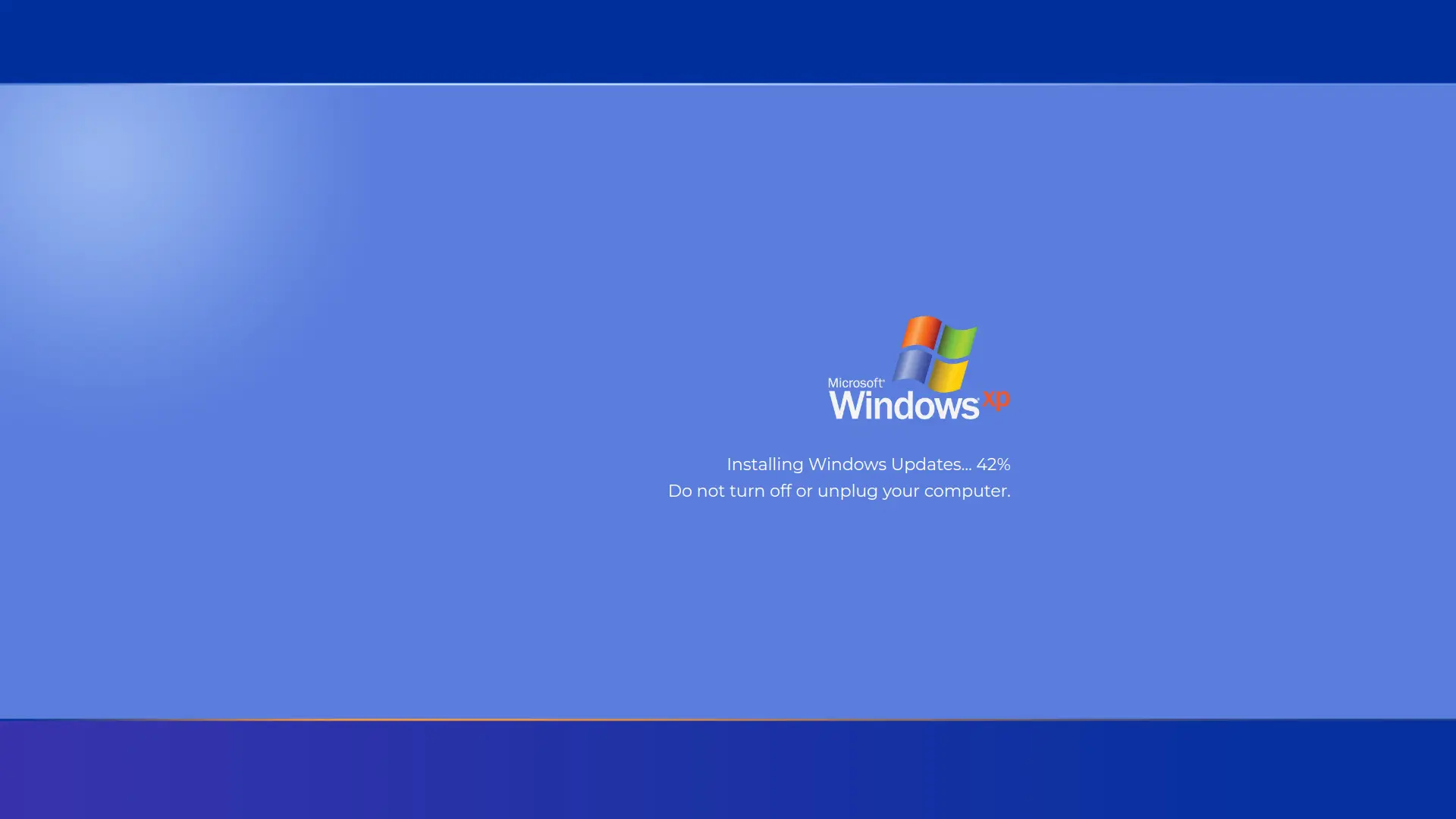
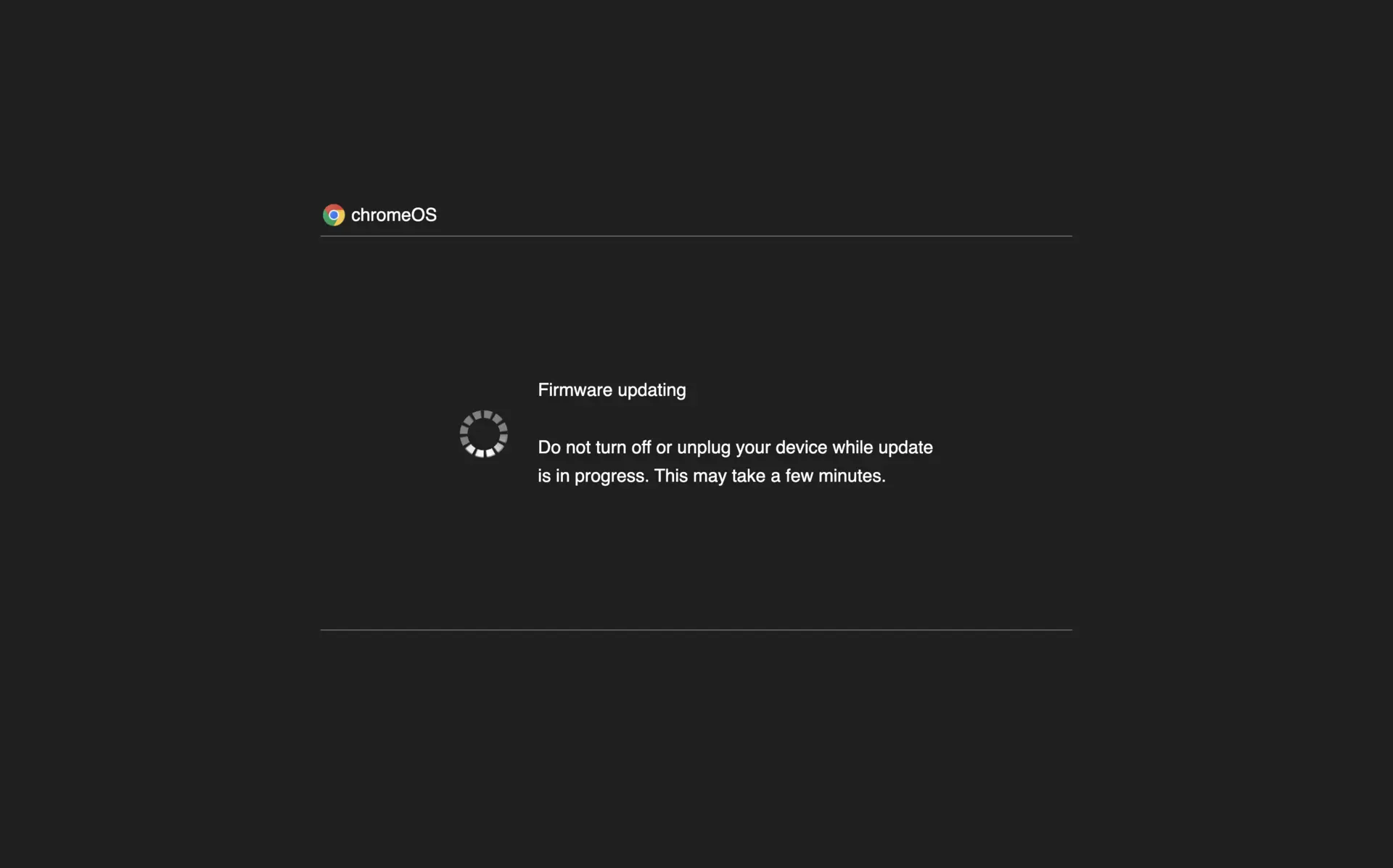
Use the Fly on the Screen extension to play harmless pranks on your friends or coworkers by making a realistic fly appear on their browser. The interactive fly animation is perfect for surprising others and adding a touch of humor to any web session.
Enhance Virtual Meetings with Fun
Liven up your next Zoom or Google Meet call by activating the fly animation during screen sharing. The realistic fly effect will catch everyone’s attention and make your online meetings more memorable and entertaining.
Stress Relief During Work Breaks
Take a quick break from work and watch the fly buzz around your screen. The playful animation provides a lighthearted distraction, helping you relax and reduce eye strain during long hours at the computer.
Test Browser Performance with Lightweight Animation
Fly on the Screen is designed to be lightweight and fast, making it an excellent tool for testing browser performance. See how your browser handles interactive animations without slowing down your workflow.
Customize Your Browsing Experience
Personalize the fly’s behavior, speed, and size to match your preferences. The customizable settings allow you to create a unique and engaging browsing experience, making your browser stand out from the rest.
Educational Tool for Kids
Use the extension as an educational tool to teach children about insects and their behavior. The realistic fly animation can spark curiosity and make learning about nature more interactive and fun.
Add Entertainment to Public Displays
Install Fly on the Screen on public computers or digital displays to entertain visitors. The animated fly effect draws attention and adds a playful element to waiting rooms, libraries, or information kiosks.
