




Calculators:
Countdown Timer
People use this online countdown timer for:
Run a 25-Minute Pomodoro Timer
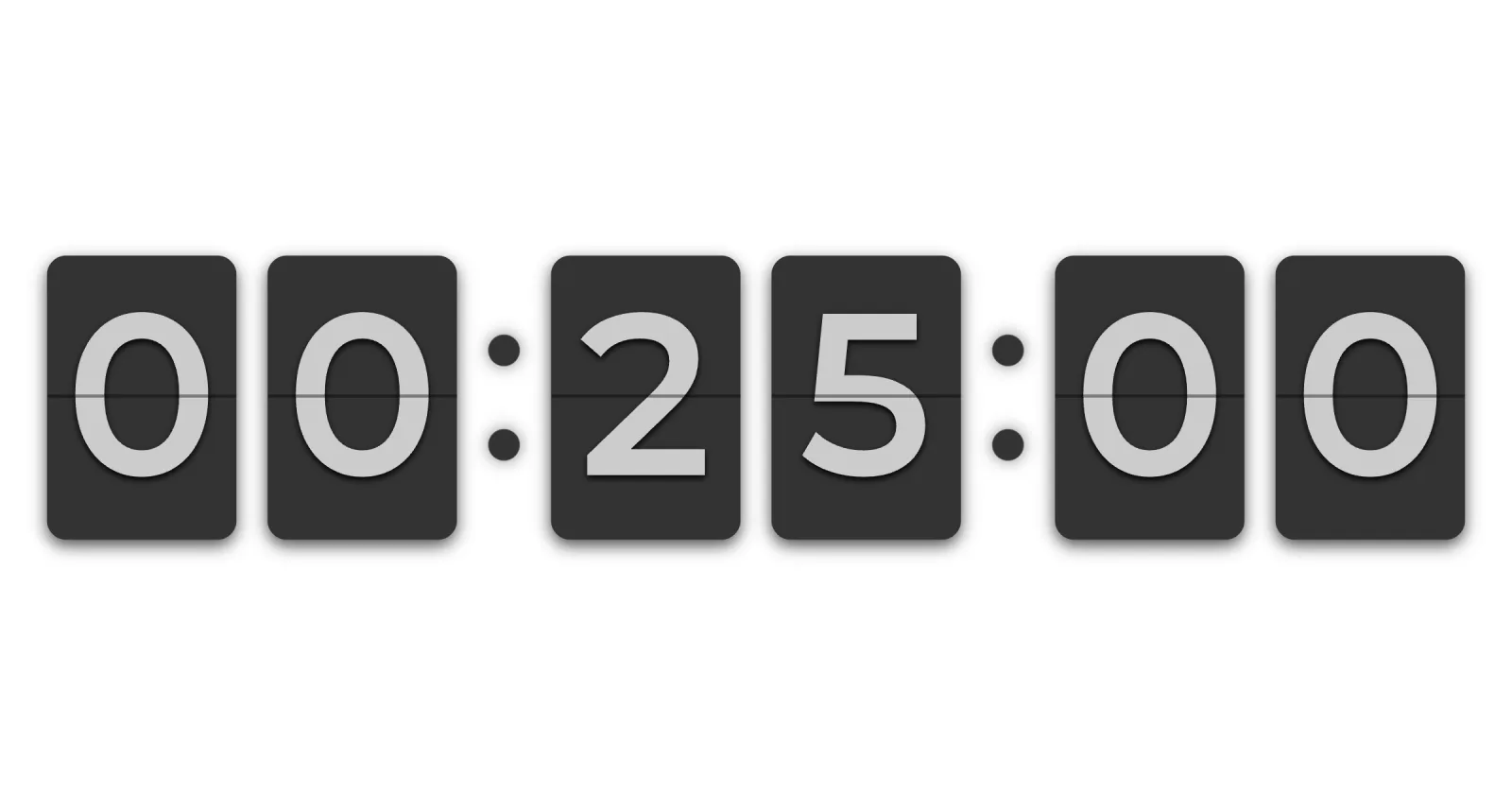
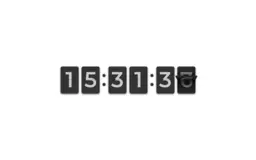
Use this fullscreen countdown timer as your online pomodoro timer. Set 25 minutes for a deep focus block, then take a 5- or 10-minute timer for the break. The flip clock display is way more motivating than a standard digital readout and turns the pomodoro technique into a small visual ritual you actually want to repeat.
Count the Days Until Christmas, New Year or a Wedding
Pick the next big event — Christmas, New Year's Eve, a wedding, anniversary or product launch — and let the countdown timer track days, hours, minutes and seconds in fullscreen flip clock style. Display it on a TV, second monitor or projector to build anticipation and make the wait part of the experience.
Use as an Online Kitchen Timer
Turn any laptop or tablet into a giant online kitchen timer. Need a 5-minute timer for steeping tea, a 10-minute timer for boiling, a 30-minute timer for baking or a 1-hour timer for slow cooking? Just set the duration, hit Start and let the seconds flip — no app to install, no account.
Run Tabata, HIIT and Gym Workouts
Set a workout interval timer for Tabata rounds, HIIT sessions, CrossFit AMRAPs or a 10- or 30-minute home workout. The fullscreen flip clock face is large enough to read from across the gym while you train — no squinting at a phone, no pausing the music to check the time.
Time Presentations, Meetings and Webinars
Run your PowerPoint presentation, 10-minute stand-up, workshop or webinar on schedule. The fullscreen countdown timer is readable from the back of a meeting room and makes time pressure visible to everyone without saying a word.
Track Project Deadlines on a Second Monitor
Pin the countdown timer on a second monitor or office TV so the whole team can see exactly how long is left until launch day, sprint demo or release deadline. Visible deadlines beat hidden ones every time.
Display Countdowns in Lobbies and Waiting Rooms
Show how long until doors open, the next session begins or the call starts. A fullscreen flip-style countdown timer turns dead waiting time into a small piece of theatre and works on any screen with a browser.
See what Countdown actually looks like