



Calculators:
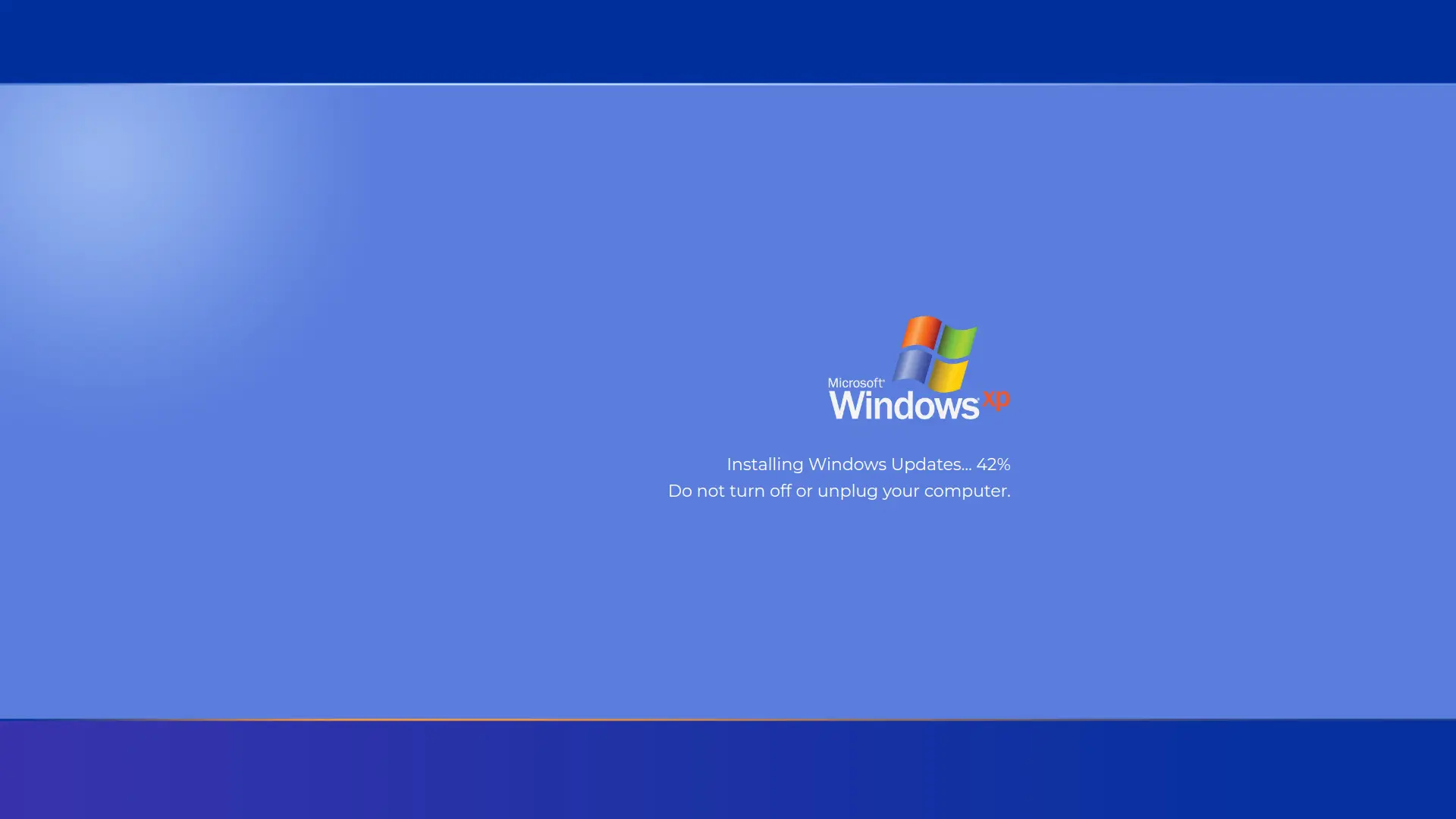
Windows XP Boot Screen
People use Windows XP Boot Screen for:
Office Pranks with the Windows XP Boot Screen
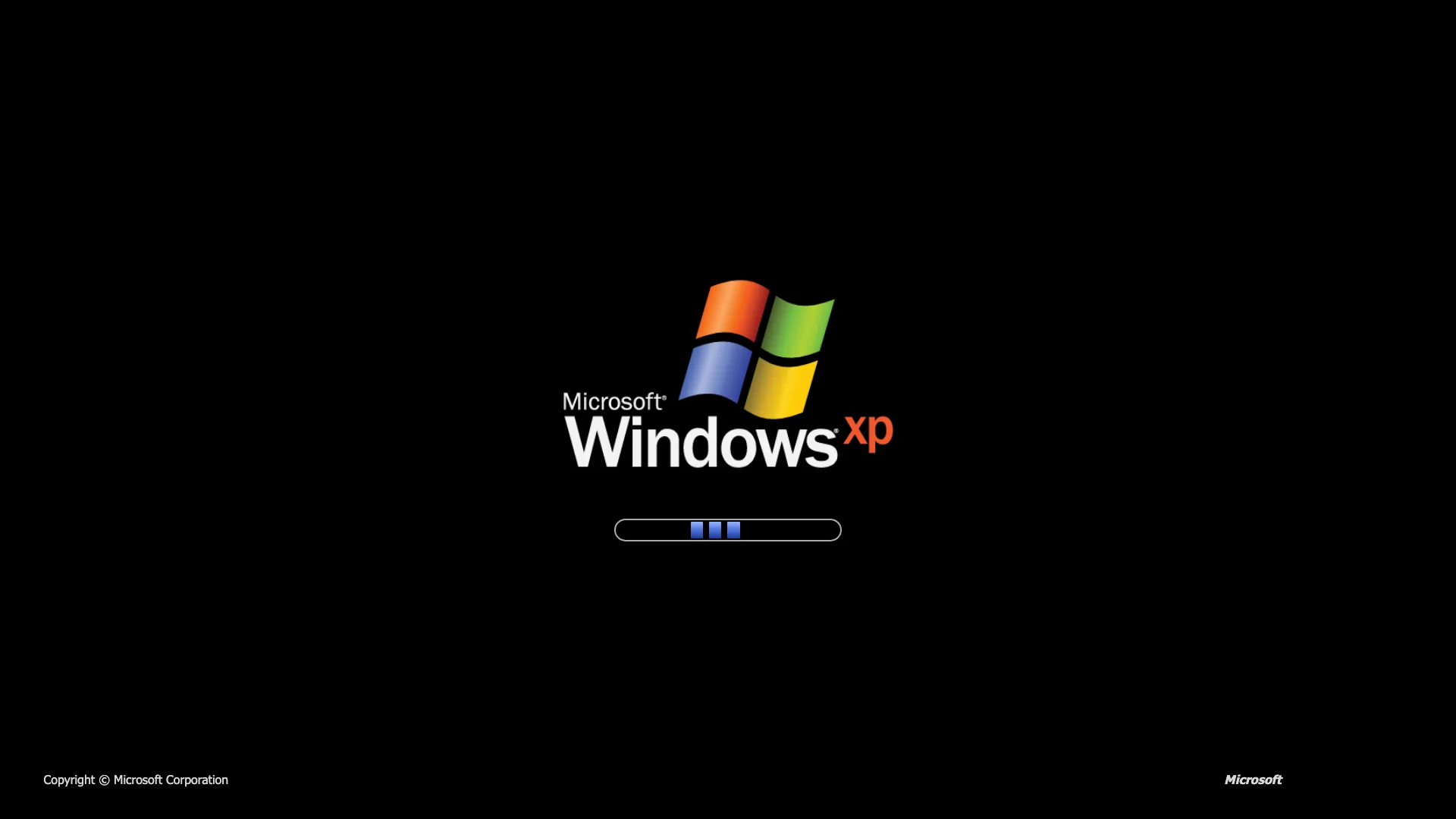
Leave the Windows XP boot screen open in fullscreen mode on a colleague's monitor. The three-block loading bar keeps scrolling forever, so the computer looks like it's stuck starting up, right before someone walks by.
Test a Friend's Patience
Show the Windows XP loading screen to friends or family and see how long they wait for a boot that never finishes. It's a harmless, old-school way to get a laugh out of the classic 'is my PC frozen?' feeling.
Retro Computing Nostalgia
Nostalgia enthusiasts and tech lovers use the Windows XP boot screen to relive the early 2000s, when this black screen with the scrolling loading bar was the first thing millions of PCs showed every morning.
Creating Viral Retro Content
Content creators use the Windows XP startup screen as a prop for tech nostalgia videos, throwback reels, and 'stuck computer' skits, without needing an actual old PC to boot up.
Tech Education and History
The Windows XP boot screen is a simple way to show students what booting an operating system used to look like, before flashy animations and instant SSD startups became the norm.
Screen Testing and Ambiance
Because it's a mostly black, fullscreen page, the Windows XP boot screen also works as a quick way to check for dead pixels or stuck sub-pixels while enjoying a bit of retro charm on the way.
Pranked my roommate with an endless Windows XP boot!
Put the Windows XP boot screen in fullscreen on my roommate's laptop while they were away. They came back convinced their PC was stuck on startup for a solid five minutes!
Perfect throwback for our tech meetup!
Projected the Windows XP boot screen at a retro-tech meetup and half the room instantly recognized the loading bar. Great conversation starter about the good old days.
See what XP Boot Screen actually looks like